

Timesheets
Timesheets approved against the roster, exported to Xero.
Hours come from the clock, not from memory. A manager checks them against the shifts that were published, approves them and sends them on to Xero or a payroll file.
We email you a setup link the day your spot opens.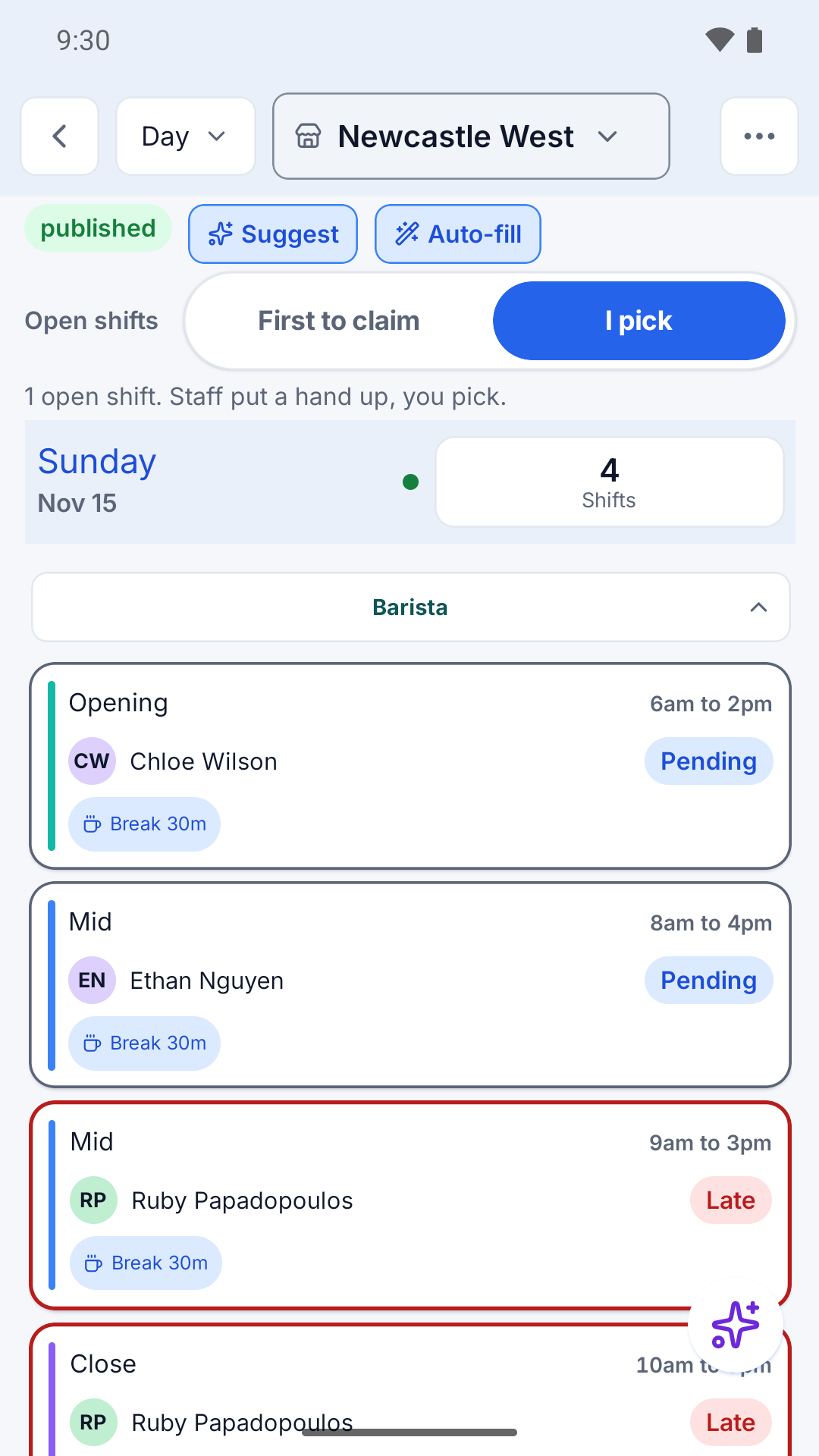
Clock in
Two ways to clock in.
From their own phone in ekoni Flow, geofenced to your location, or from a shared tablet with ekoni Clock.
- Geofenced clock in on the staff member's phone
- ekoni Clock on a tablet by the door
- Breaks recorded on the same timesheet
Approve and export
Approve the week, then send it on.
Each timesheet sits next to the shift it belongs to, so a late start or a missed break stands out before you approve.
- Approve timesheets on the phone or the web
- Export approved hours to Xero
- Or download a payroll file for your own payroll system
Questions, answered straight
Before you ask
?Does ekoni run payroll?
ekoni approves timesheets and exports them to Xero or a payroll file. Pay itself runs in Xero or your payroll system.
?Does ekoni apply award rates?
Not yet. Award rules are in the works. Until they ship, your payroll system or adviser applies the award to the hours ekoni exports.
Hours in, approved, exported.
We email you a setup link the day your spot opens.